

A “client” messages you on Instagram: $500 a week for easy data entry, no experience needed — just pay a $20 registration fee first. It feels like your lucky break. It is not. It is one of the oldest freelance job scams on the internet, and students are its favourite target because they are eager for work, short on cash, and new to the platforms where scammers operate.
This guide shows you how to spot freelance job scams before they cost you money or free work: the 7 most common scams, the red flags that give them away, a 2-minute check to run on every job offer, and exactly what to do if you have already been scammed.
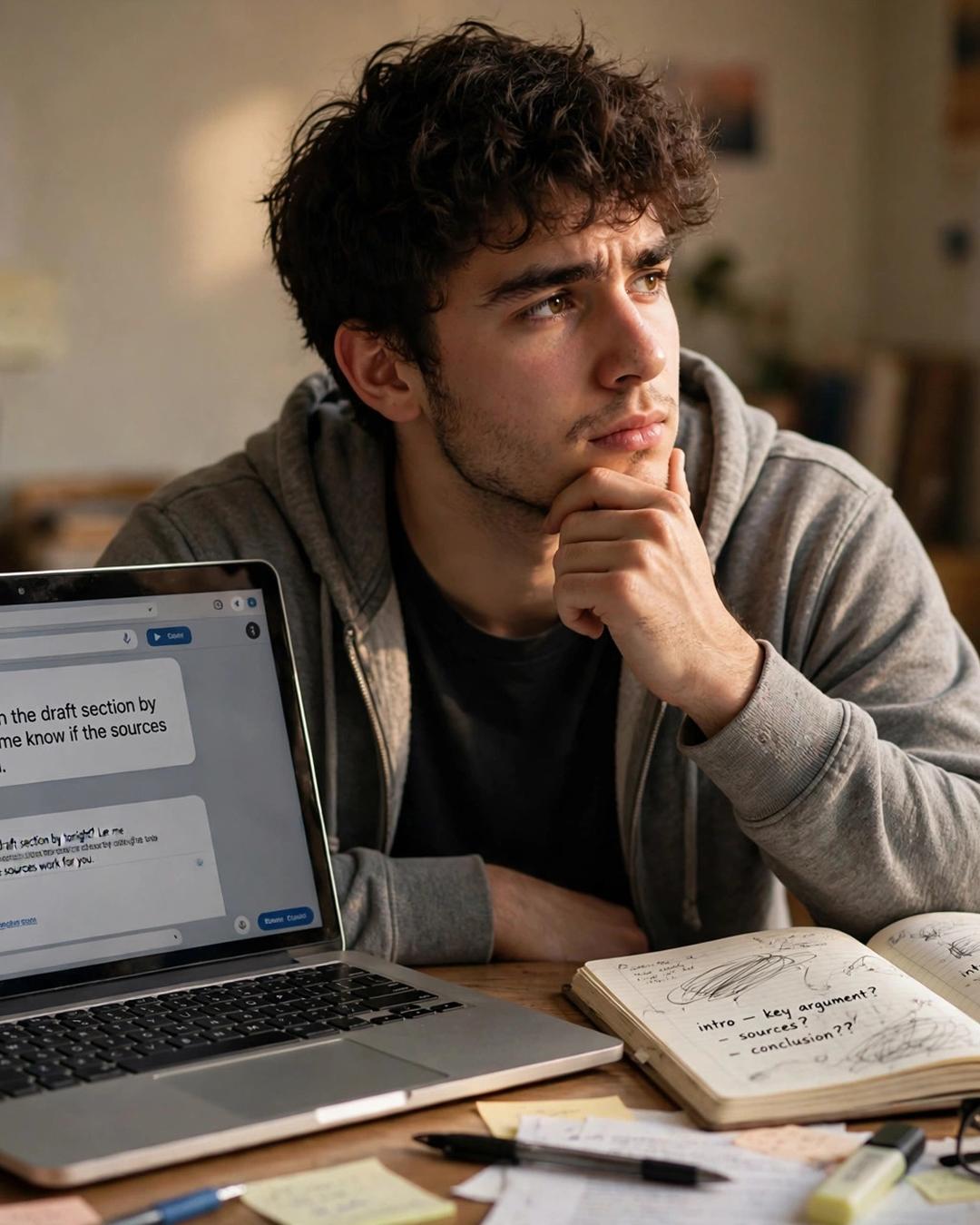
The 7 Freelance Job Scams That Target Students
Most scams are variations on a few patterns. Learn them once and you will recognise them forever.
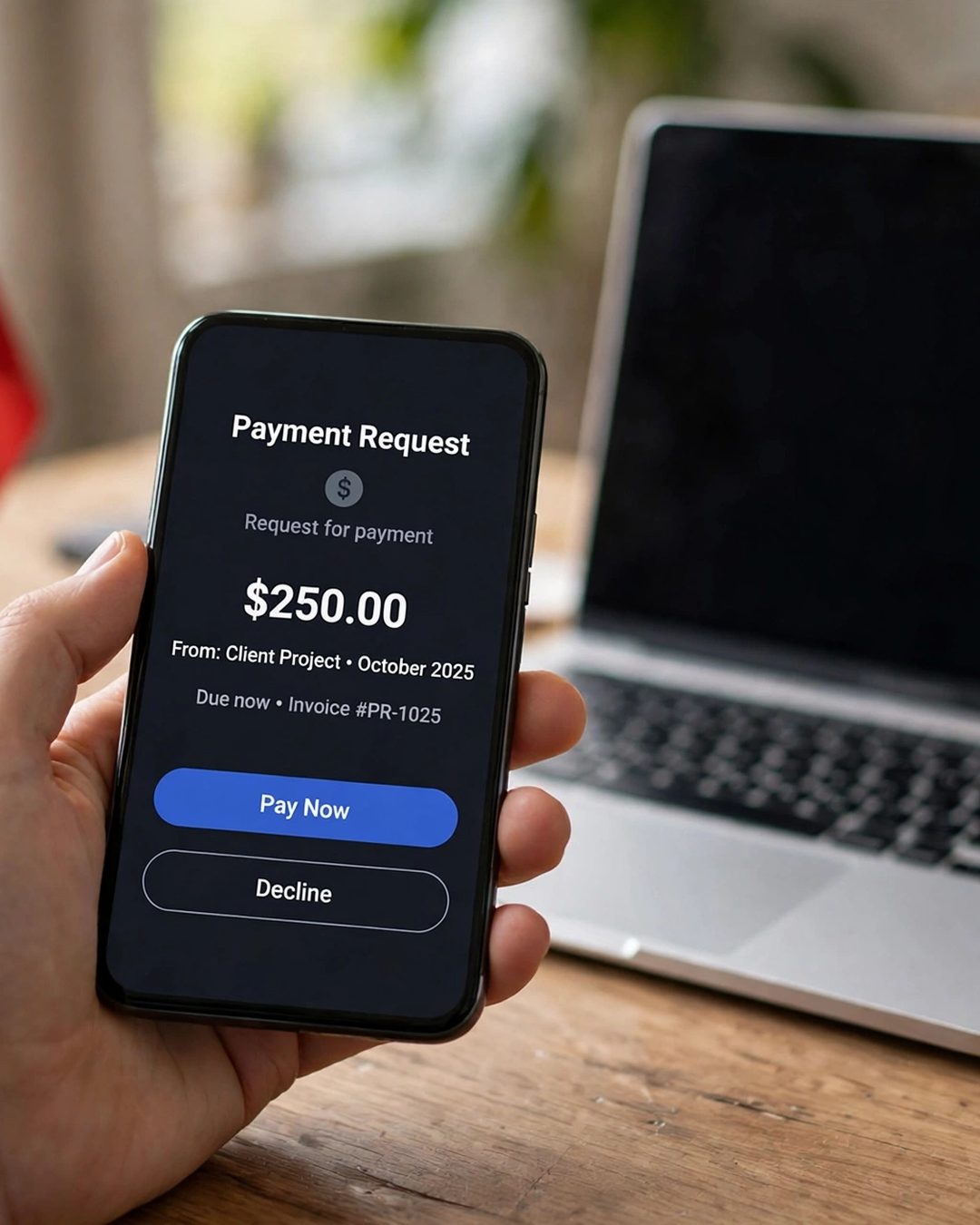
1. Pay first to get hired
Someone offers you a job but asks you to pay a registration fee, training fee, software fee, or “security deposit” before you start. Real clients pay you; they never ask you to pay them. If a job needs money from you before any work begins, walk away — no exceptions.
2. The fake cheque or overpayment
A “client” sends you more money than agreed and asks you to return the difference, or asks you to buy something and send it on. Later the original payment bounces or turns out to be fake, and you are left out of pocket. Never send money back until the payment is real, final, and sitting in your own account.
3. The unpaid “test task”
A client asks for a large “sample” before hiring — a full article, a finished logo, a complete spreadsheet. You deliver it, and the job disappears. A fair test is small: 100–200 words, a rough draft, or a 15-minute task. Anything bigger should be paid work, even at a trial rate.
4. The vanishing client after delivery
You finish the work, send the final files, and the client stops replying. Protect yourself by using a platform that holds payment before you start, sending watermarked or low-resolution previews until payment is secured, and never sending final editable files until the money is confirmed.
5. The move off the platform
A client asks you to continue on WhatsApp or Telegram and be paid directly, away from the platform. Off the platform there is no payment protection, no record, and no one to report them to. Keep communication and payment inside the platform that holds the money.
6. Fake payment screenshots
Someone sends a screenshot saying they have paid and pushes you to deliver now. Screenshots can be faked in seconds. Always check that the money has actually arrived in your wallet or bank account, using the app or bank itself, before delivering final files.
7. Identity theft and phishing
A “recruiter” asks for your password, OTP, ID documents, or bank PIN, or sends a link to a fake login page. A real client needs your work and a payment method — never your login details or identity documents. Never open unknown files or click links sent by a stranger in chat.
The Red-Flag Checklist: 10 Signs a Job Is a Scam

Run through this list before you accept any freelance job. One red flag is a warning; two or more means walk away.
- The client is in a hurry and pressures you to decide now — “limited seats,” “offer expires today.”
- They avoid talking about the actual work and focus on how much you will earn.
- The pay is far above normal for a simple task — $500 a day for data entry is not real.
- They ask for any payment: registration, training, equipment, or a deposit.
- They refuse any normal, protected payment method.
- Communication is only on WhatsApp or Telegram — no official email, no company website.
- Their profile is new, empty, or has no history or reviews.
- The job description is vague, badly written, or copied from somewhere else.
- The offer letter names a famous company but the email comes from Gmail or a lookalike domain.
- You were “selected” immediately, with no interview, no skill test, and no real selection process.
The 2-Minute Check Before You Accept Any Job

Before you say yes to any freelance job, spend two minutes on these four steps:
Step 1: Check the client. Search their name and company online. Look for a real website, real social media, and real reviews. Check their platform profile: how long has the account existed, and what do past freelancers say about them?
Step 2: Check the job. Search for the job on the company’s official careers page. If the job only exists in a WhatsApp message or a random post, it is not real. Compare the pay with the market — our guide to how to start freelancing as a student and the rate tables there will tell you what is realistic.
Step 3: Check the payment. Confirm the payment method before you start work. On Upwork or Fiverr, the payment must be funded through the platform. Off-platform, agree on a 30–50% advance and never start without it. If they refuse both, there is no job.
Step 4: Check the communication. A real client talks about the work: the deliverable, the deadline, the audience. A scammer talks about the money and the urgency. If the conversation feels like a sales pitch aimed at you, it is one.
Two minutes of checking saves you weeks of unpaid work and money you will never get back.
How to Protect Your Money and Your Work

Safe freelancing is mostly about structure, not suspicion. Set these up before your first gig:
- Work on platforms that hold payment. Upwork and Fiverr keep the client’s money in escrow until the work is approved. That single feature stops most scams.
- Always take a 30–50% advance on direct-client work, agreed in writing — even a one-page email with the scope, price, and deadline counts as a contract.
- Watermark previews. Send low-resolution or watermarked versions until payment is confirmed, then send the final files.
- Keep every message. Screenshots and chat logs are your evidence if you ever need to report a client or dispute a payment.
- Use a separate payment account. A PayPal or bank account used only for freelancing limits what a scammer can reach if something goes wrong.
- Never share passwords, OTPs, or ID documents with a client or recruiter, for any reason.
For the full picture of safe, legitimate student work, see our list of 25 legitimate work from home jobs with no startup fee — every one of them pays you, never the other way round.
What to Do If You Have Already Been Scammed
It happens to careful people too. If it has happened to you, act fast:
- Stop work and stop sending files immediately. Do not send anything else, and do not pay anything more.
- Save everything. Screenshot all messages, payment requests, and profiles before the scammer deletes them.
- Report the account to the platform, the job site, or the social network where you found them.
- Contact your bank or payment provider quickly if money was taken — the sooner you report it, the better your chance of getting it back.
- Report to the authorities if money or identity documents were involved: your local cybercrime unit or police, and the platform’s fraud team.
- Warn others. A short post in a student group naming the scam pattern (not personal details) stops the next student from falling for it.
Mistakes That Make Students Easy Targets

- Wanting the job too much. Desperation makes people skip checks. Scammers know it — that is why they target students.
- Trusting screenshots and testimonials. Earning screenshots in a Telegram group are faked constantly. Trust your bank balance, not a picture.
- Moving off the platform for a “better rate.” The platform fee is the price of payment protection. The “better rate” off-platform is usually zero.
- Doing big test tasks for free. A test should take minutes, not hours. Hours of free work is just unpaid work.
- Ignoring the gut feeling. If something feels off — the urgency, the vagueness, the too-good pay — it usually is. Walk away and find a real client.
Frequently Asked Questions
How do I know if a freelance job is a scam?
The clearest signs are a request for any payment before you start, pay far above the market rate for simple work, pressure to decide immediately, communication only on WhatsApp or Telegram, and a new or empty client profile. Run the 2-minute check in this guide on every offer before you accept it.
Should I ever pay to get a freelance job?
No. Real clients pay you; they never ask you to pay a registration, training, software, or security fee. Any job that needs money from you before work begins is a scam — walk away immediately.
What should I do if a client doesn’t pay me?
Stop work at once, save all messages and proof of delivery, and report the client to the platform. If you worked on Upwork or Fiverr with funded payment, open a dispute through the platform. If money was taken from you, contact your bank or payment provider quickly and report it to your local cybercrime unit.
Is it safe to move a freelance job off Upwork or Fiverr?
No — moving off the platform removes your payment protection, your message record, and your ability to report the client. Stay on the platform until you have a long, trusted relationship with a client, and even then use a written agreement and a 30–50% advance.
Can a test task be a scam?
Yes, if it is large. A fair test takes 15 minutes or less: 100–200 words, a rough sketch, a short sample. If a “test” is a full article, a finished design, or hours of work, it is unpaid labour — ask to be paid for it or walk away.
Scammers succeed because new freelancers are in a hurry to earn. Slow down for two minutes, run the check, and keep your money and your work inside systems that protect you. The real clients — the ones who pay fairly, communicate clearly, and leave five-star reviews — are worth waiting for. If you want to start safely, our guide to starting freelancing as a student with no experience shows the whole path from your first skill to your first paid gig.