

Here is the best thing about digital products: you make them once and sell them again and again. No shipping, no stock, no boss, and no hourly limit on what you can earn. If you can take good study notes, design a clean planner, or build a useful spreadsheet, you already have a product — and thousands of other students will pay a few dollars for it.
This guide shows you how to sell digital products as a student, step by step: what to sell, how to create your first product for free, where to sell it, how to price it, and how to get your first sale within seven days.

What Are Digital Products — and Why Students Are Good at Selling Them
A digital product is any file a customer downloads after paying: a PDF of study notes, a printable planner, a Notion template, a resume design, a budget spreadsheet. You create it once, list it on a platform, and the platform delivers it automatically every time someone buys. There is nothing to post and nothing to restock.
Students have a natural advantage here. You already make study materials for yourself, you know exactly what other students struggle with, and you live where your customers live — on TikTok, Instagram, and Pinterest. A student in the Philippines built a Notion study planner, priced it at $12 on Gumroad, and now earns $500 to $800 a month from it with no marketing budget. That is the model: one useful product, sold many times.
7 Digital Products Students Can Sell
Start with something you have already made for yourself. These seven sell well for students:
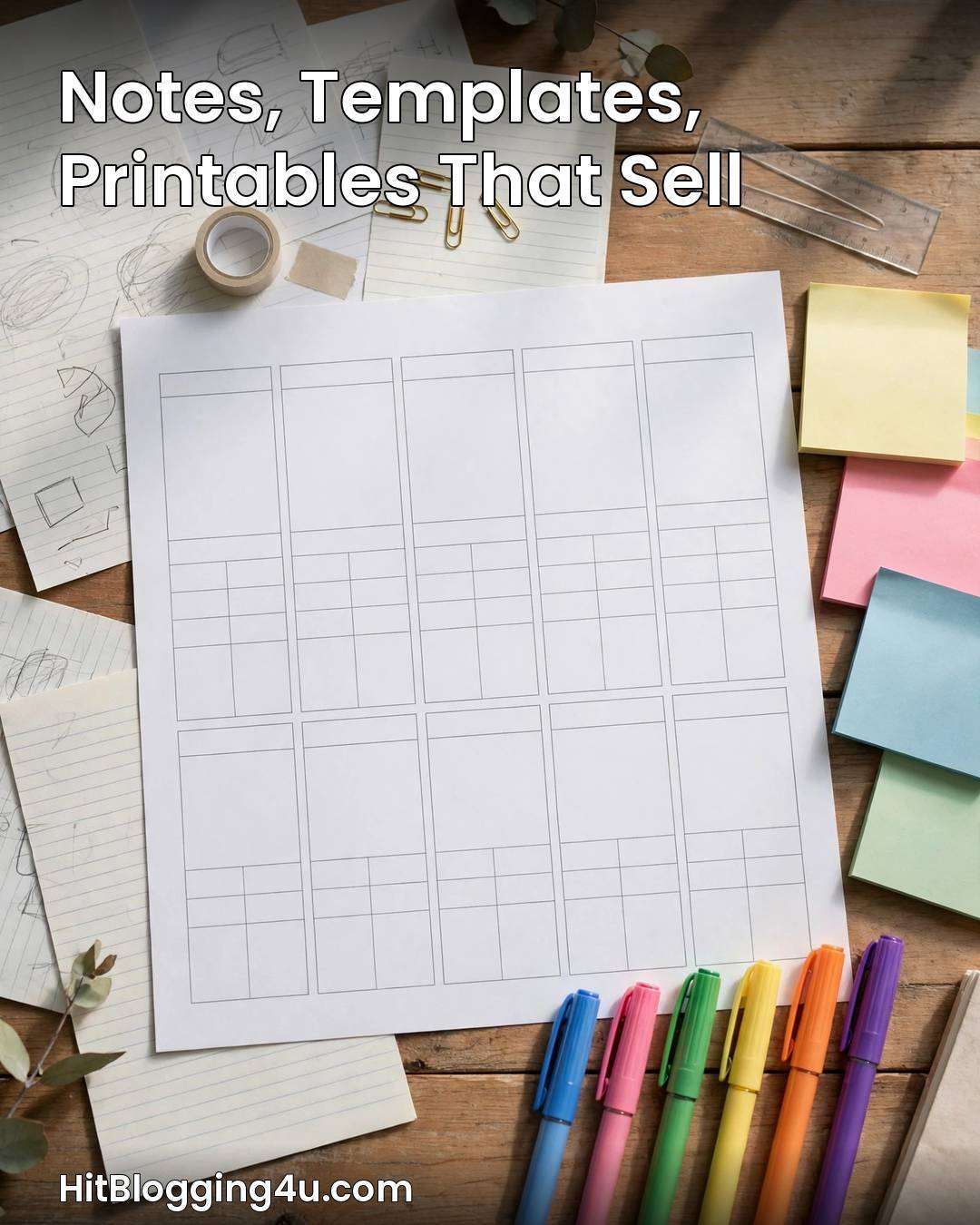
1. Study Notes and Revision Guides ($5–$15)
Your own class notes, cleaned up and organised into a clear PDF, are the easiest first product. Students buy notes for subjects they find hard — maths, biology, chemistry, economics — especially before exams. Pick one subject, one exam, or one chapter, and make it genuinely complete: summaries, key definitions, worked examples, and a one-page cheat sheet.
2. Printable Planners and Worksheets ($3–$9)
Weekly planners, habit trackers, revision timetables, and budget worksheets are simple to make in Canva and sell in volume. Buyers print them at home, so there is no delivery to arrange. A “semester planner pack” of five or six printables sells better than a single page.
3. Notion Templates ($7–$19)
Notion templates are one of the hottest digital products right now: student dashboards, assignment trackers, revision planners, and “life OS” setups. Build the template in Notion, share it to the web, and sell access through Gumroad. If you already organise your own studies in Notion, you are halfway there.
4. Resume and Cover Letter Templates ($5–$15)
Every student needs a resume eventually, and most have no idea how to design one. A clean, modern resume template — plus a matching cover letter — is a product with a huge audience. Make two or three designs: one simple, one creative, one for part-time jobs. If you want to get better at the design side, our guide to the 7 freelance skills students can learn in 30 days covers Canva and design basics.
5. Canva Social Media Templates ($5–$20)
Small businesses, clubs, and student societies all need Instagram posts, story templates, and presentation slides. A pack of 20 matching Canva templates sells well on Etsy, and you can make the whole pack in a weekend once you learn the tool.
6. Budget and Finance Spreadsheets ($5–$12)
A simple Google Sheets or Excel budget tracker for students — with categories for food, transport, books, and fun — solves a real problem. Add automatic totals and a monthly summary page, and you have a product people will pay for. Students who already track their own spending can build this in an afternoon.
7. Flashcards and Exam Prep Packs ($3–$10)
Flashcard sets for language learning, medical terms, law definitions, or entrance exams (SAT, GRE) sell steadily, especially in the month before exam season. Bundle the cards with a short study guide and price the pack at $7 to $10.
How to Create Your First Product in 5 Steps
You do not need paid software. Every tool below is free.

- Pick one micro-niche. The first step to sell digital products as a student is choosing a narrow product, not a broad one. Not “study notes” — “A-level biology revision notes” or “weekly planner for nursing students.” A narrow product is easier to make and easier to sell.
- Build it in a free tool. Canva for templates and printables, Google Docs for guides and ebooks, Notion for dashboards, Google Sheets for trackers. Keep the design clean and consistent.
- Make a free sample. Give away two or three pages free. A sample builds trust, and buyers who like the sample buy the full version.
- Save it as a PDF (or share the link). PDFs for notes, planners, and guides; a share link for Notion templates. Test the file yourself before listing it.
- Ask one person to try it. A classmate using your product for a day will find the mistakes you missed — a broken link, a typo, a confusing page.
Where to Sell: Etsy vs Gumroad vs Studocu
| Platform | Best for | Fees | Why students like it |
|---|---|---|---|
| Etsy | Templates, printables | Listing fee + commission | Built-in buyers searching for printables |
| Gumroad | Guides, ebooks, Notion templates | 10% per sale (free plan) | Simplest setup; handles payments and delivery |
| Studocu / Nexus Notes | Study notes | Revenue share | Buyers are already students looking for notes |
| Payhip | Any digital product | 5% per sale (free plan) | Free storefront, no monthly fee |
| Your own site / socials | Anything, once you have an audience | Payment fees only | You keep the most per sale |
To sell digital products as a student, start with one platform, not all five. If your product is notes, start on Studocu. If it is a template or printable, start on Etsy. If it is a guide or Notion template, start on Gumroad. You can always list the same product elsewhere later.
How to Price Your Digital Products
Price for value, not for effort. A $5 product that saves a student ten hours of revision is a bargain. These ranges work well for student sellers:

| Product type | Suggested price |
|---|---|
| Simple printable (1–2 pages) | $3–$9 |
| Study notes or revision guide (PDF) | $5–$15 |
| Planner pack or worksheet bundle | $7–$15 |
| Notion template (simple) | $7–$19 |
| Resume or Canva template pack | $5–$20 |
| Flashcard or exam prep pack | $3–$10 |
| Bundle (several products together) | $15–$29 |
Bundles are your best friend: a customer who buys a $12 bundle instead of a $5 single product has more than doubled your sale. And never price at $0.99 — it signals low quality. Start at $5 or above, and raise the price once you have five good reviews.
How to Get Your First Sale in 7 Days
When you sell digital products as a student, promotion is half the job — a product nobody sees does not sell. Here is a one-week launch plan:

- Day 1–2: Finish the product and list it on one platform with a clear title, a good cover image, and a description that says exactly who it is for.
- Day 3: Post a short video on TikTok or Instagram showing the product in use — flip through the planner, scroll the template, show the notes. One honest video beats ten polished adverts.
- Day 4: Share the free sample on Pinterest with a link to the full product. Pinterest users actively search for planners and study templates.
- Day 5: Tell your class group chat or study group. Your first buyers are usually people who already know you.
- Day 6: Ask your first buyer for a review — and fix anything they mention.
- Day 7: Post again with a small launch discount (20% off for 48 hours) to create urgency.
Do not expect hundreds of sales in week one. One sale proves the idea works; ten sales prove it can grow. If you want to build an audience that keeps buying, the skills in our guide to how to start freelancing as a student with no experience — finding clients, presenting your work — apply just as well to selling products.
5 Mistakes That Kill Digital Product Sales
1. Selling copied content. Only sell work you created yourself. Selling copied coaching notes, textbook pages, or someone else’s templates is copyright infringement — and platforms will ban you for it.
2. Making a product nobody asked for. Ask five students what they would pay for before you build it. A product built for a real complaint sells; a product built on a guess usually does not.
3. A weak cover image. Buyers judge a digital product by its cover. Spend an hour on a clean, professional cover in Canva — it is the highest-return hour in the whole process.
4. No free sample. Buyers cannot touch a digital product before paying, so they need proof. A free sample removes the risk and doubles conversions.
5. Giving up after one product. Most sellers make their first real money on their third or fourth product, not their first. Each product teaches you what sells — and your shop grows with every listing.
Frequently Asked Questions
What digital products can students sell?
Students can sell study notes, revision guides, printable planners, Notion templates, resume templates, Canva social media templates, budget spreadsheets, and flashcard packs. The best first product is something you have already made for yourself — your own notes for a hard subject, or a planner you actually use.
Where can students sell digital products?
The easiest platforms are Etsy for templates and printables, Gumroad for guides and Notion templates, and Studocu or Nexus Notes for academic notes. All three are free to join and handle payments and file delivery for you. Start with one platform that fits your product type.
How much can you earn selling digital products as a student?
Most student sellers earn little in the first month — often $0 to $50 — because the first product takes time and has no reviews. With three to five products listed and regular promotion, $100 to $500 a month is realistic. A few sellers with a popular template earn $500 to $800 a month. Earnings are passive: a product made once can sell for years.
Do I need a business to sell on Etsy or Gumroad?
No. You can sell as an individual on both platforms — you just need to be old enough to hold an account (usually 18, or 13+ with a parent’s permission on Etsy) and able to receive payments through PayPal or a bank account. You do not need a registered business, but your income is still taxable, so keep records of what you earn.
How do I price my first digital product?
Price by product type, not by effort: simple printables $3 to $9, study notes $5 to $15, Notion templates $7 to $19, and bundles $15 to $29. Start at $5 or above, offer a free sample, and raise the price once you have five good reviews. Bundles are the fastest way to increase what each customer spends.
Learning how to sell digital products as a student is one of the highest-leverage things you can do with your spare hours: the work is done once, the product sells while you study, and every product you add makes the next one easier to sell. Pick one product from this list, build it this weekend with free tools, and list it on one platform. Your first sale might be a classmate, a stranger on Etsy, or someone who found your Pinterest pin — but it starts with a product that exists. For more ways to earn around your studies, see our 25 legitimate work from home jobs with no startup fee and the ultimate guide to side hustles for students.