

You do not need a degree, a big budget, or a year of training to start earning as a freelancer. What you need is one skill a client will pay for — and several freelance skills can be learned to a basic paid standard in just 30 days, working about an hour a day around your classes.
This guide covers 7 freelance skills for students, all learnable in 30 days: what each one involves, how long it really takes to learn, what beginners charge, the free tools to use, and the exact first step for each. Pick one, follow the 30-day plan, and you can be pitching real clients by the end of the month
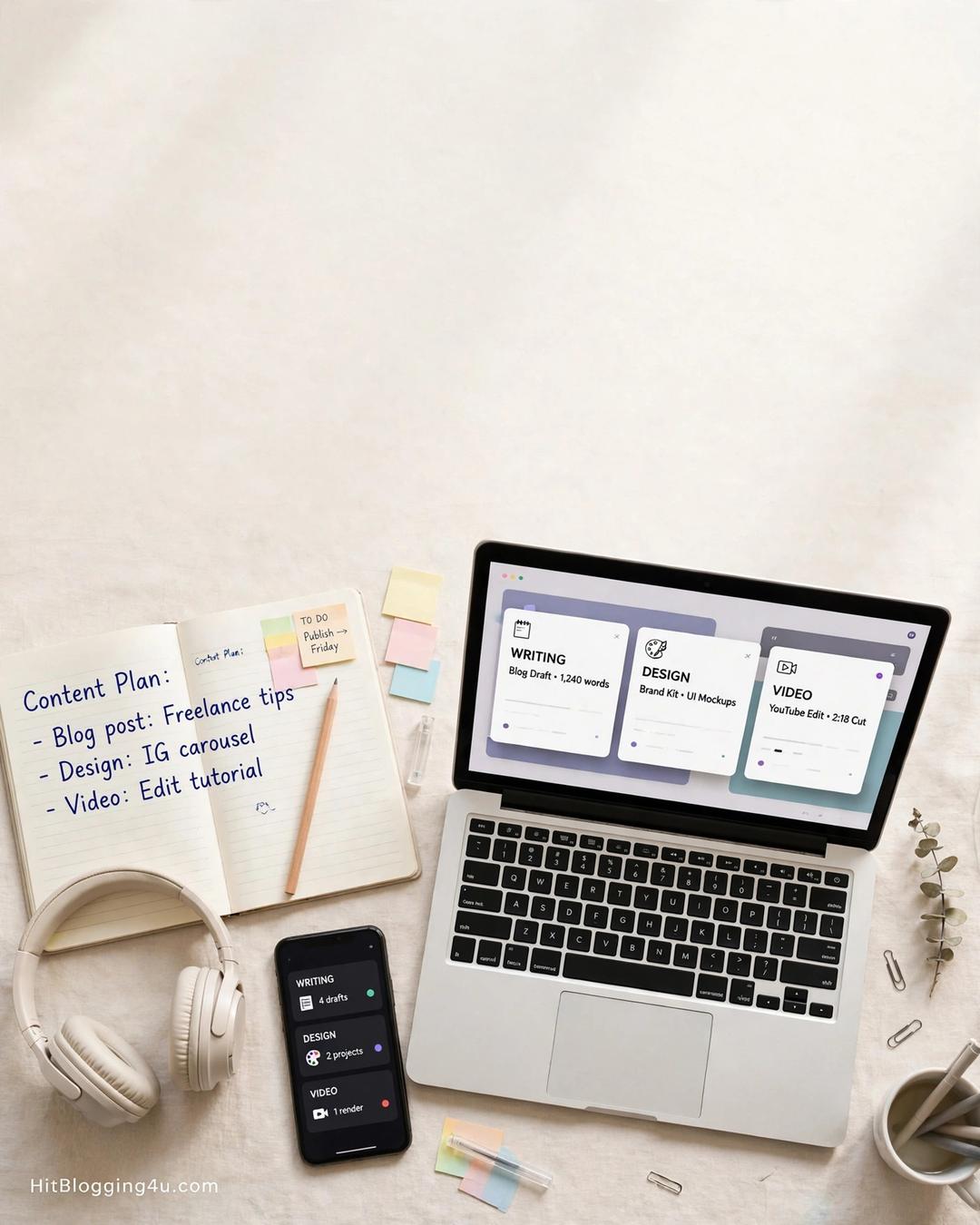 .
How to Choose the Right Skill (in 5 Minutes)
Before the list, a quick filter. The best first skill for you is the one that passes all three of these tests:
- You already enjoy it a little. If you like writing, pick writing. Interest keeps you practising when the novelty wears off.
- Clients already pay for it. Every skill below has proven demand on Upwork, Fiverr, and LinkedIn.
- You can practise it for free. No paid software or courses needed to reach your first paying client.
If two skills pass, pick the one with the fastest path to income — usually writing or virtual assistance — and learn the other one later. One skill, 30 days, then clients. If you want the bigger picture first, our guide to skills and side hustles for students shows how these fit into student income overall.
1. Content Writing — Fastest to First Income
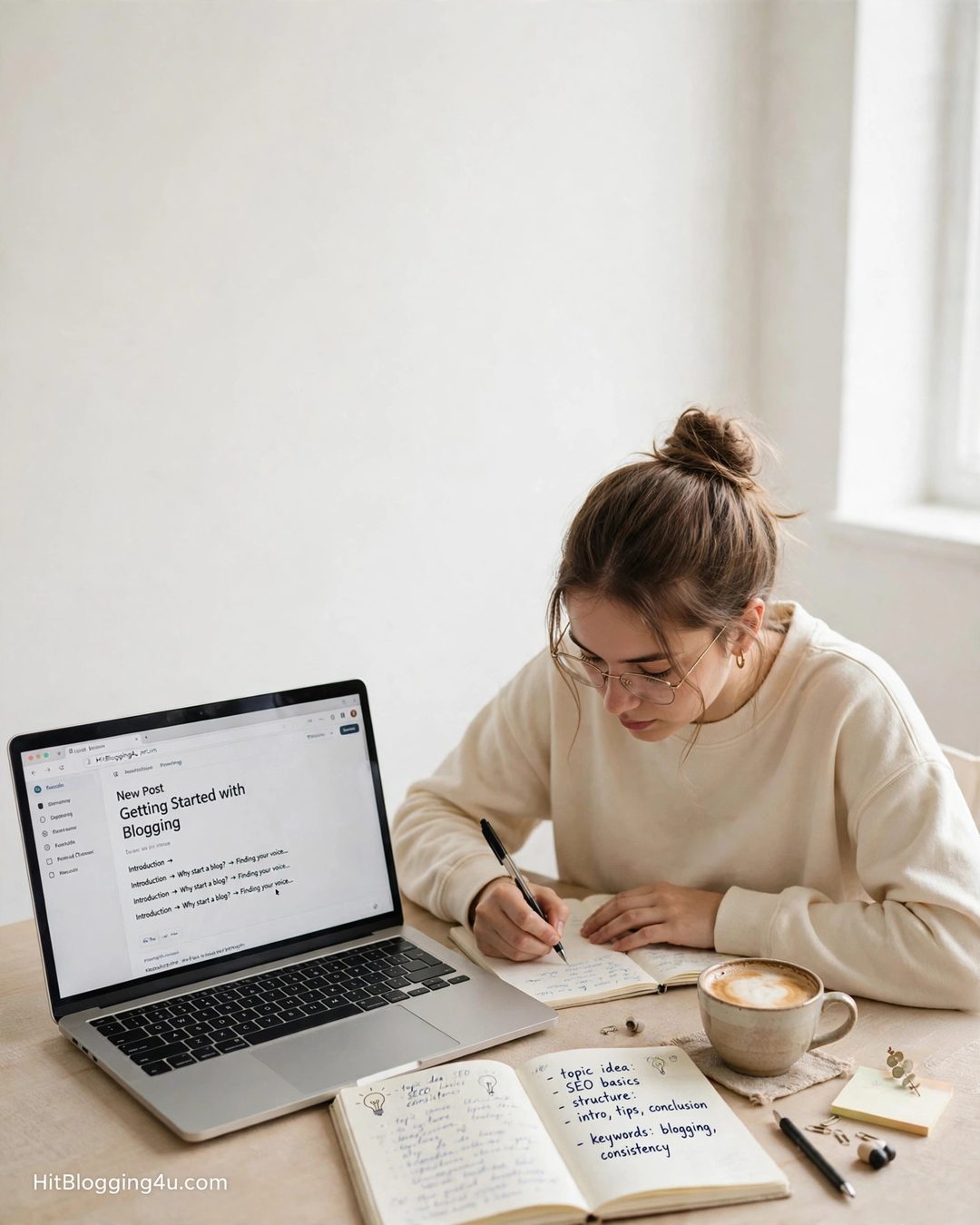
What it is: blog posts, product descriptions, website pages, email newsletters, LinkedIn posts, and YouTube scripts for businesses that need words but have no time to write them.
Time to learn: 2–4 weeks to basic paid standard. If you can already write a clear essay, you are closer than you think.
Beginner rates: $15–$50 per article, or $15–$40 per hour on platforms like Upwork.
Free tools: Google Docs, Grammarly (free version), Hemingway Editor for readability.
Your 30-day plan: week 1, study five blog posts in a niche you like and note their structure; week 2, write three sample posts for imaginary clients; week 3, rewrite one weak real article you find online and show the before and after; week 4, publish your samples and apply for five beginner writing gigs.
2. Canva Design — Easiest to Start

What it is: social media graphics, posters, thumbnails, presentations, menus, resumes, and simple logos — all made in Canva, no Photoshop needed.
Time to learn: 2–3 weeks. Canva’s templates do the heavy lifting; your job is taste, consistency, and speed.
Beginner rates: $20–$45 per hour, or $10–$30 per graphic pack.
Free tools: Canva (free plan), Unsplash and Pexels for photos, Coolors for colour palettes.
Your 30-day plan: week 1, complete Canva’s free Design School basics and recreate five designs you admire; week 2, design a full week’s Instagram posts for a made-up cafe; week 3, redesign a real local business’s poster and show the before and after; week 4, package three sample sets and pitch two local businesses.
3. Virtual Assistance — Steady Income, Lowest Barrier
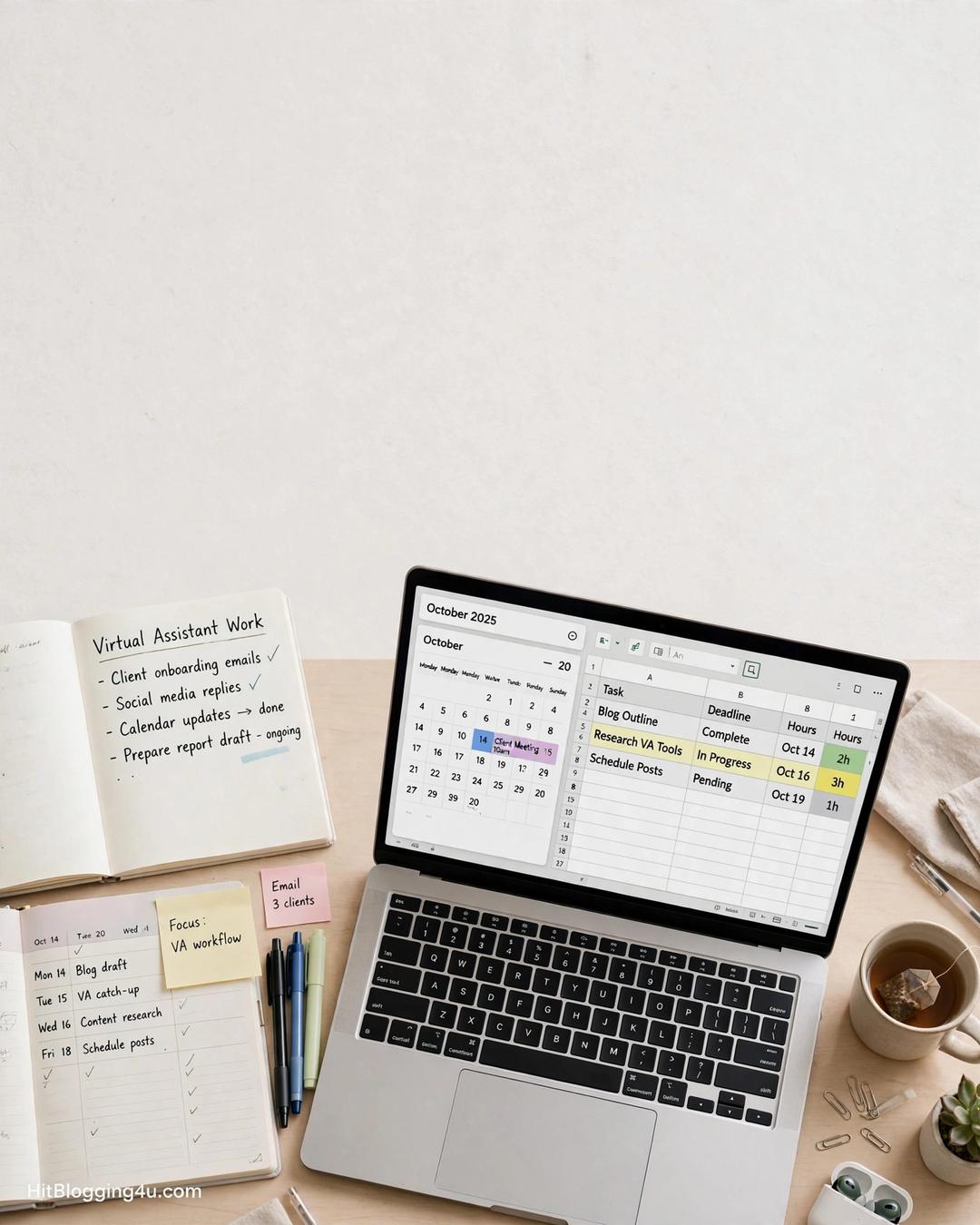
What it is: email management, data entry, online research, scheduling, customer support, and uploading products to online stores. You are the organised pair of hands a busy founder needs.
Time to learn: 1–2 weeks. If you are already the organised one in your friend group, you have the core skill.
Beginner rates: $10–$25 per hour, often as steady weekly retainers.
Free tools: Google Workspace, Notion, Trello, Calendly.
Your 30-day plan: week 1, learn the basics of Gmail filters, Google Sheets, and Calendly; week 2, build a sample pack — a tidy lead spreadsheet, a one-week content calendar, a researched list of 20 contacts; week 3, offer one free half-day of VA work to a real small business in exchange for a testimonial; week 4, apply for VA roles on Upwork and Belay with your samples attached.
4. Social Media Management — Scales Fast
What it is: planning, creating, and posting content for small businesses, replying to comments, and tracking what works. Most small businesses know they need social media and have no time to do it.
Time to learn: 3–4 weeks to run a basic account confidently.
Beginner rates: $15–$35 per hour, or $300–$800 per month per client for a basic package.
Free tools: Canva, Meta Business Suite, Buffer (free plan), Google Sheets for planning.
Your 30-day plan: week 1, pick one platform and study ten accounts that do it well; week 2, run a practice account for a made-up business for two weeks; week 3, create a one-month content calendar with 12 posts; week 4, offer a one-month trial package to one local business at a student rate.
5. Video Editing — Higher Pay, Slightly Steeper Climb
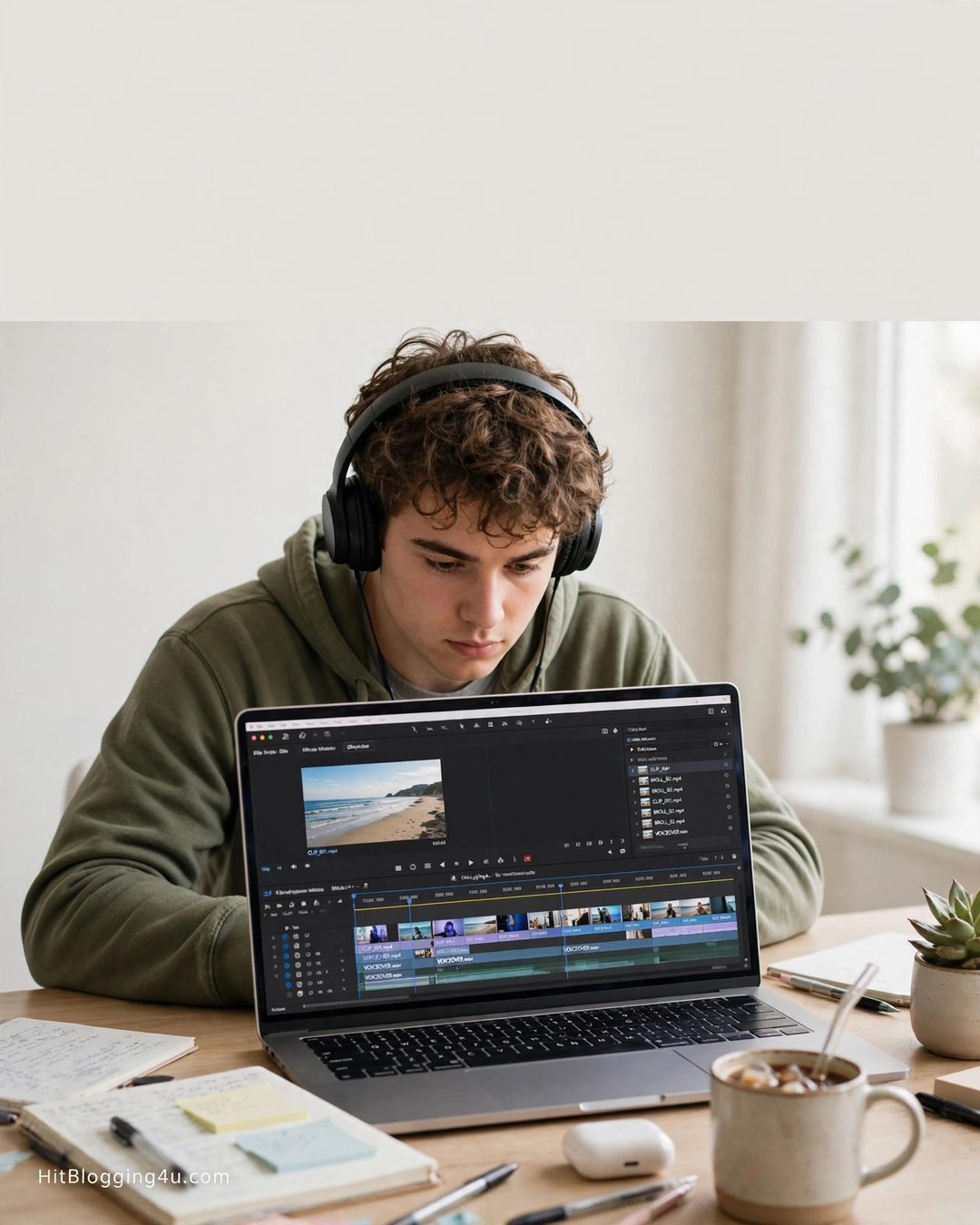
What it is: reels, YouTube Shorts, talking-head videos, podcast clips, and basic product videos. Short-form video demand keeps growing, and most creators would rather pay an editor than edit themselves.
Time to learn: 4–6 weeks to edit a clean 30-second reel with captions and music.
Beginner rates: $20–$50 per hour, or $25–$75 per short video.
Free tools: CapCut (free), DaVinci Resolve (free), YouTube’s free audio library.
Your 30-day plan: week 1, learn CapCut basics — cuts, captions, transitions, music; week 2, edit five practice reels from free stock footage; week 3, edit a real video for a friend or campus society; week 4, build a showreel of your three best edits and pitch three creators or small businesses.
6. Proofreading and Transcription — Perfect If You Love Language
What it is: checking written work for grammar, spelling, and clarity, or turning audio into accurate text. Students who already proofread friends’ essays have a head start.
Time to learn: 2–3 weeks to a professional standard with a style guide and the right tools.
Beginner rates: $15–$30 per hour for proofreading; transcription pays per audio minute.
Free tools: Grammarly, Google Docs, a style guide like the Chicago Manual of Style (free online summaries).
Your 30-day plan: week 1, study common error patterns and practise on sample texts; week 2, proofread three real documents for friends and document the changes; week 3, transcribe two short public-domain audio clips; week 4, apply on Upwork and Rev with your samples. For the full deep dive, read our guide to becoming a proofreading pro.
7. WordPress Basics — Best Long-Term Ceiling
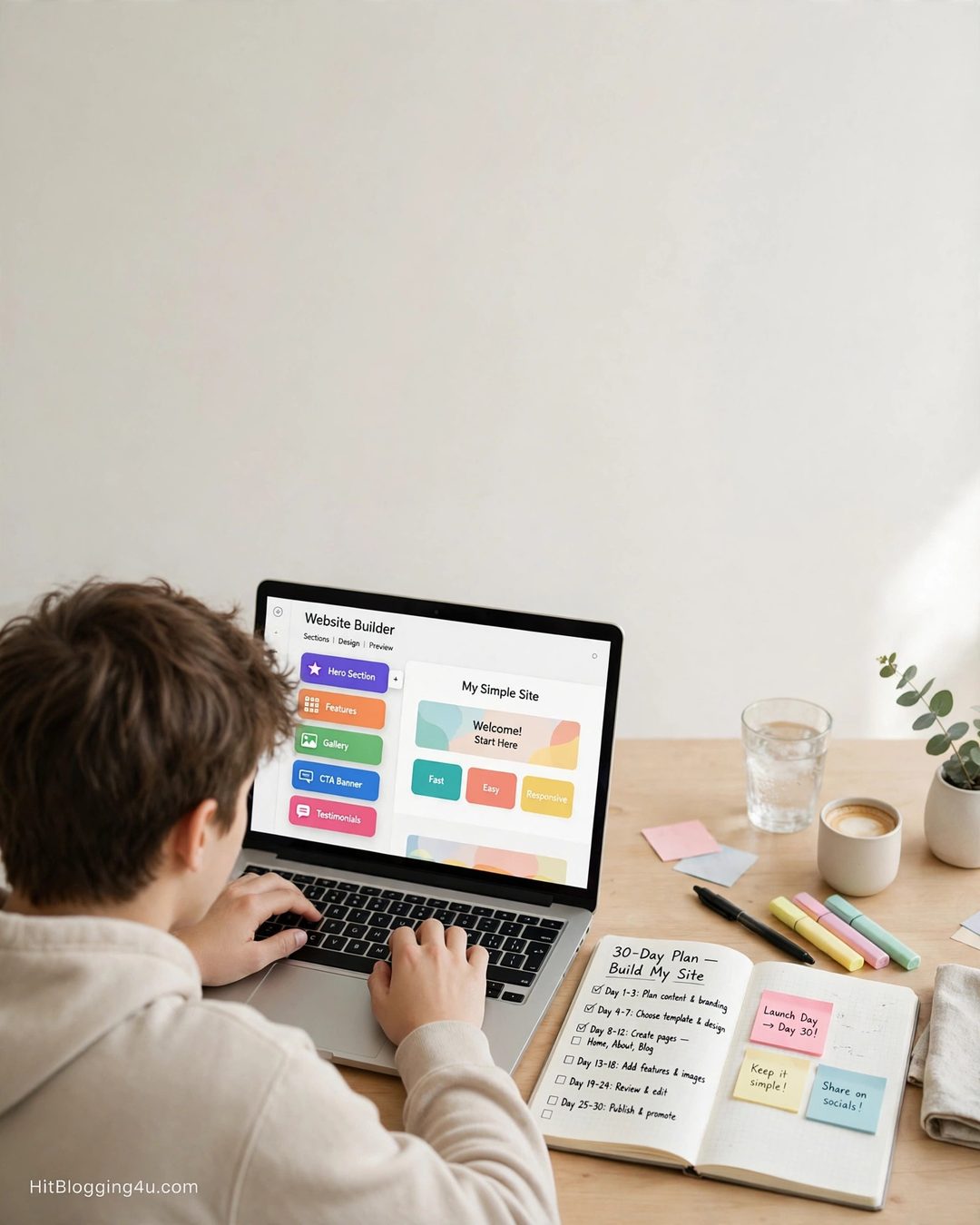
What it is: building simple websites and landing pages with WordPress, fixing small issues, and setting up blogs and online stores for local businesses.
Time to learn: 3–4 weeks to build a clean, working site with a page builder.
Beginner rates: $300–$1,000 per simple website project.
Free tools: WordPress.org, a free local install (Local by Flywheel), Elementor (free version).
Your 30-day plan: week 1, install WordPress locally and build your own portfolio site; week 2, rebuild two existing websites from scratch as practice; week 3, build a complete demo site for a made-up local business; week 4, offer a simple website to one local business at a student price.
Your 30-Day Plan at a Glance
Whatever skill you choose, the rhythm is the same:
- Week 1: Learn. One free course or playlist, finished. No more, no less.
- Week 2: Copy. Recreate five pieces of professional work from scratch.
- Week 3: Create. Three original pieces, made as if a real client briefed you.
- Week 4: Pitch. Publish your samples and apply for five real gigs.
One focused hour a day is enough. Two hours on weekends helps, but consistency beats intensity — 30 days of one hour beats a single 10-hour weekend every time.
Skills to Avoid as a First Skill
Not every popular skill is a good first skill. Data entry and plain transcription pay the least and are the first to be automated. Advanced web development and UI/UX design pay well but take 2–4 months to reach paid standard, not 30 days. Learn those later, once your first skill is paying.
And a warning that applies to every skill on this list: if a “client” or “platform” asks you to pay a fee before you can start work, walk away. Real freelance work pays you — you never pay to get work. For more student income ideas, see our list of legit side hustles for students.
Frequently Asked Questions
What freelance skill can I learn in 30 days?
Content writing, Canva design, virtual assistance, social media management, video editing, proofreading, and WordPress basics can all reach a basic paid standard in about 30 days with one focused hour of practice per day and free tools.
Which freelance skill pays fastest for beginners?
Content writing and virtual assistance pay fastest — most students land their first paid gig within 30–60 days. Video editing and WordPress pay more per project but usually take a few weeks longer to learn.
Do I need a certificate to freelance as a student?
No. Clients hire proof of ability, not certificates. Three strong sample pieces matter far more than any course completion badge.
How many hours a week should a student freelance?
Cap it at 10–15 hours a week during term. Your degree comes first — a failed semester costs far more than a freelance gig pays.
Can I learn two freelance skills at the same time?
You can, but you should not. Learning one skill properly for 30 days and getting paid for it beats half-learning two skills and getting paid for neither. Add a second skill after the first one earns.
Thirty days from now, you could still be wondering which skill to learn — or you could have three samples, five applications sent, and your first client reply in your inbox. Pick one of these freelance skills for students today, block one hour tomorrow, and start. For the full starting guide, read our student guide to online income.